Get started
Install Forms for Make
Forms for Make is a custom app for make.com. Install it in your organization, then create your account from inside Make — it takes about five minutes.
Step by step
Set up Forms for Make
Start at step 1 — everything else follows from inside make.com.
- 1
Install the app in Make
Add the Forms for Make app to your make.com organization.
Install in make.comOpens the app invitation - 2
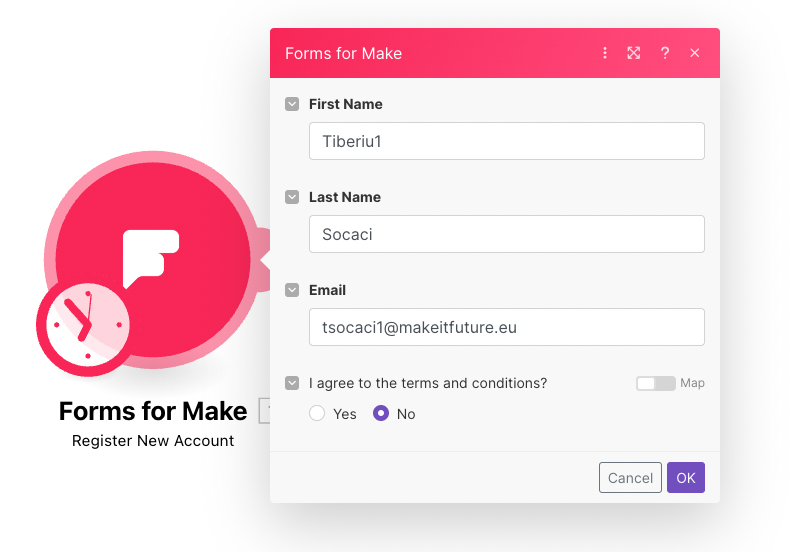
Run Register New Account
Fill in your name and email, then run the module. Your organization ID, name and zone are picked up from make.com automatically.
- 3
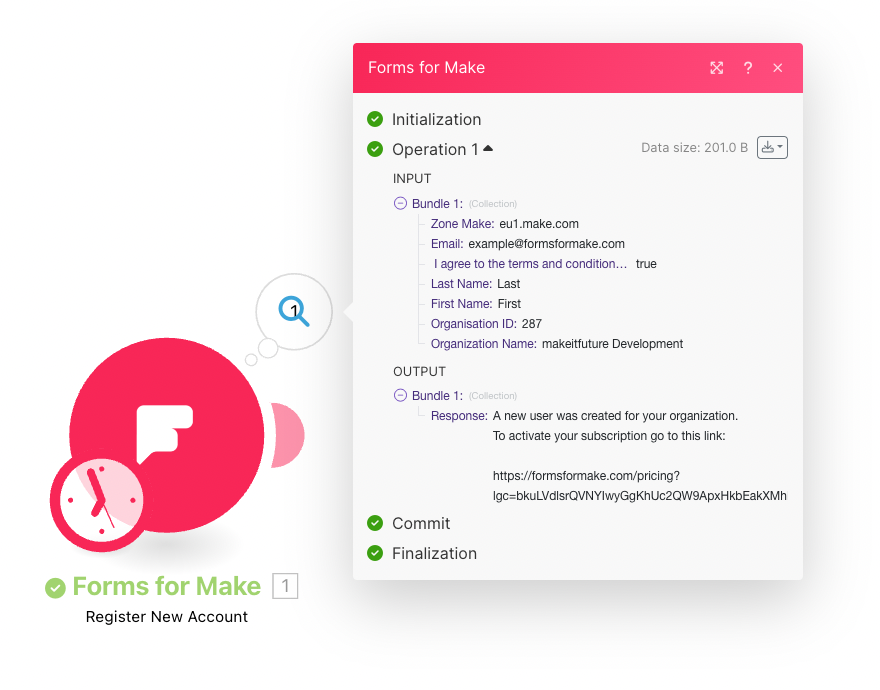
Copy the activation link
Open the link from the module response to subscribe to a plan.
- 4
Pay on Stripe
Your subscription activates within about 5 minutes.
- 5
Refresh your scenario
Reload the scenario page so the Forms for Make module picks up your license.